WiFi is my very soul. I need a WiFi connection to make me feel safe and keep me sane. And I define home as a place I don’t have to ask for the WiFi password.
The biggest impediment to our lives is often a slow WiFi. No worries though. I have 10 unique ways you can better WiFi speed.
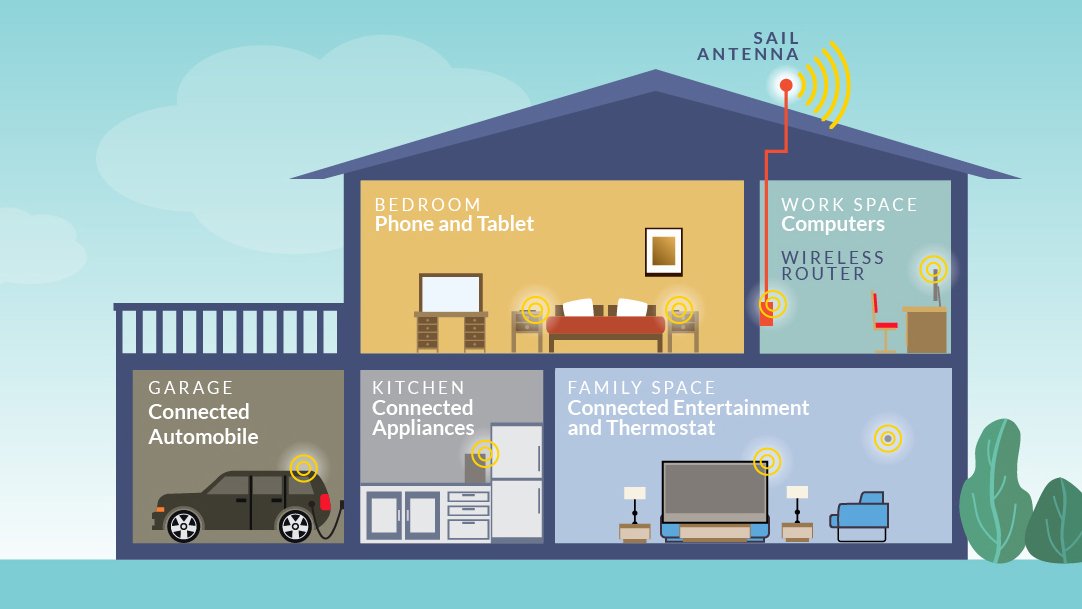
Think of your WiFi router as a little sun, emitting signals in all directions. You’ll feel the heat more the closer you get to it. The best bet to keep thing uniformly warm is to keep it close to the center.
Keeping your router near the center will help boost the signal by this same logic. Of course, you need not plot the center on a map to get it exactly at the center, but keeping it in the rough center of the house can help you get better signals at places you didn’t receive any before.
Just make sure your WiFi has enough range to cover every corner.
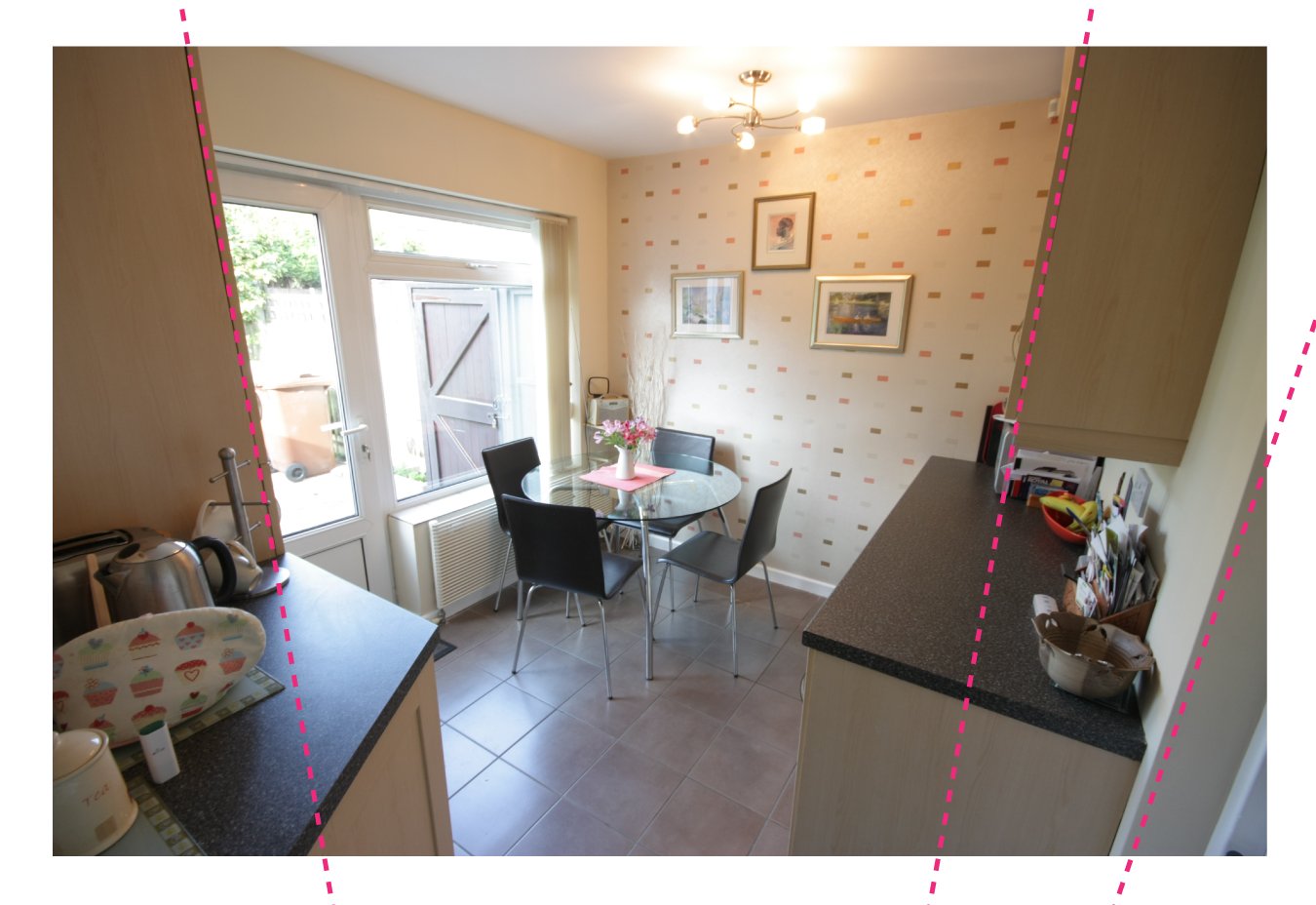
Materials walls are made of often absorb WiFi signals and dull them. You can receive signals on the other side of the wall, sure, but the strength is damped to quite an extent. Put in two or three walls, and your signal is broken at best.
You can avoid this by placing your WiFi router away from walls. Corners of your house are a double whammy. You should also avoid keeping the router close to materials like curtains, mattresses and other electronic devices, all of which can disrupt your signals pretty easily.
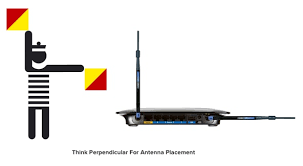
Not many know this, but your router antennas send signals perpendicular to the direction to which the antenna points. Many WiFi routers carry two antennae (some come with as many as 8!).
Point one horizontally to cover the height of your property and point one vertically to cover the span.
This is not a one-size-fits-all solution, of course. The specifics of your property might leave scope for a little deviation from the perpendiculars, but you can use this rule to boost signal strength in areas you find it lacking.
 Best Wireless Routers Reviews in 2026
Looking for the best wireless router can be as challenging as it is to look for your life partner.Before you dive right in, it is best to open both eyes.
READ MORE
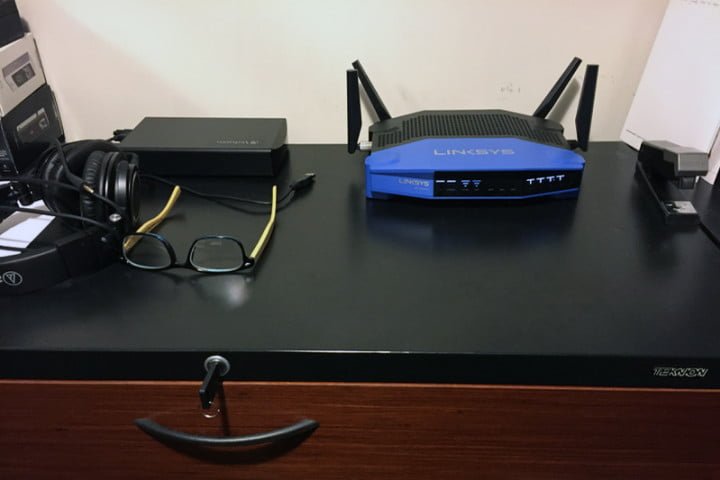
Too many people keep their WiFi routers in the basement, and it is a really poor choice as they discover. Most WiFi routers are designed to propel WiFi signals at a little downward angle.
This means your already disadvantaged router is playing a really bad hand trying to throw signals to your bedroom where your phone is several feet above the ground.
Fixing the router on the basement wall won’t help either, contrary to the popular anecdote. Keep the router on a tall shelf instead. Or at least on a table. This should considerably improve WiFi strength and speed throughout your house or property.